Android Guide
Add Curly's App on Android
Follow these simple steps to add Curly's to your Android home screen
1
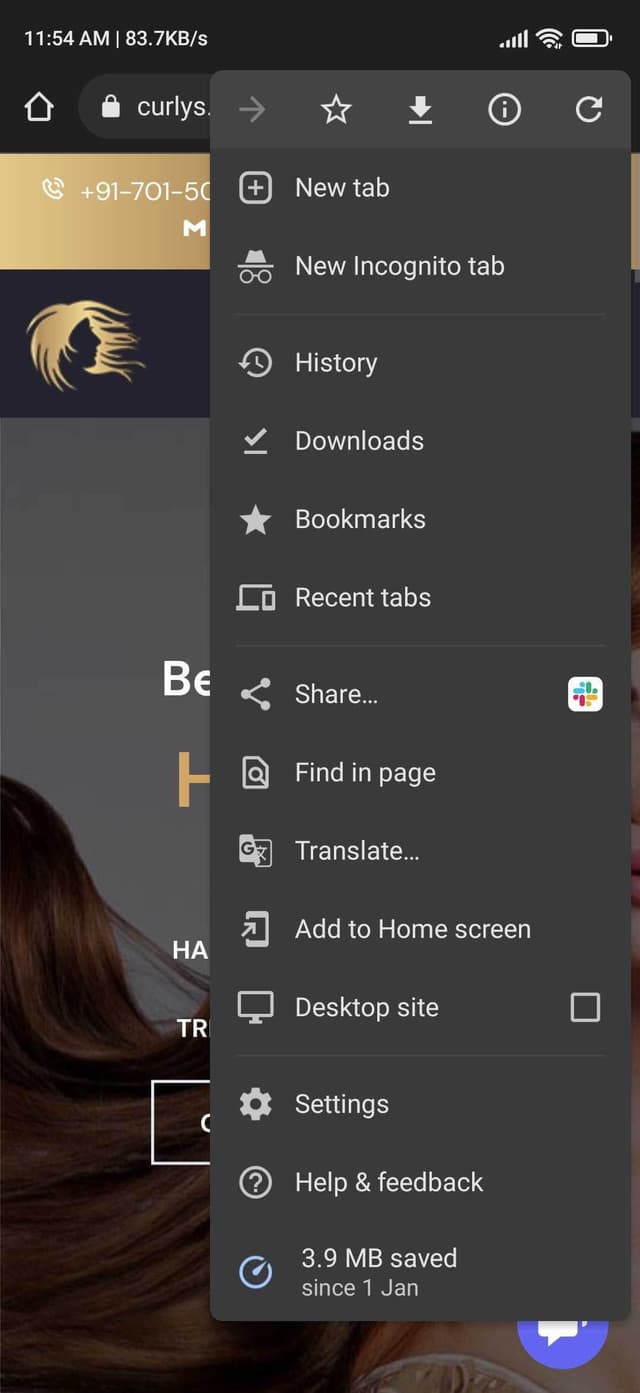
Enter website address into the address field and then tap three dots

2
When tap three dots now tap Add to Home screen
3
Now tap on Add button

4
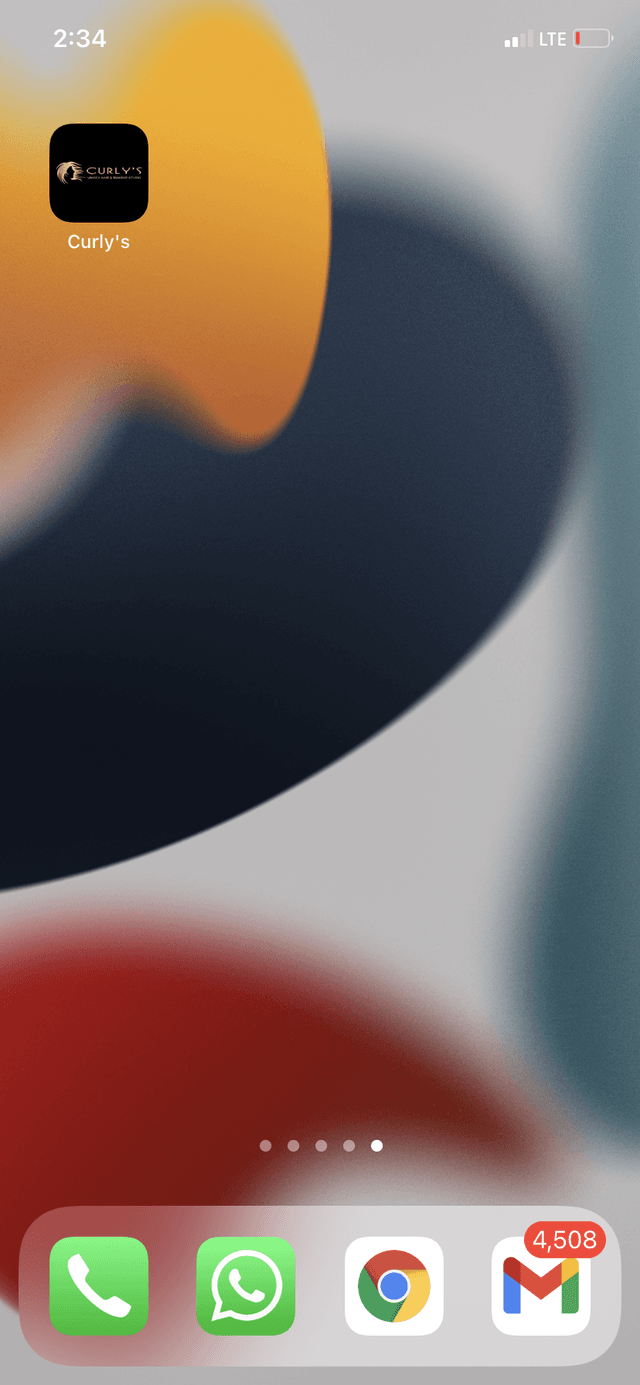
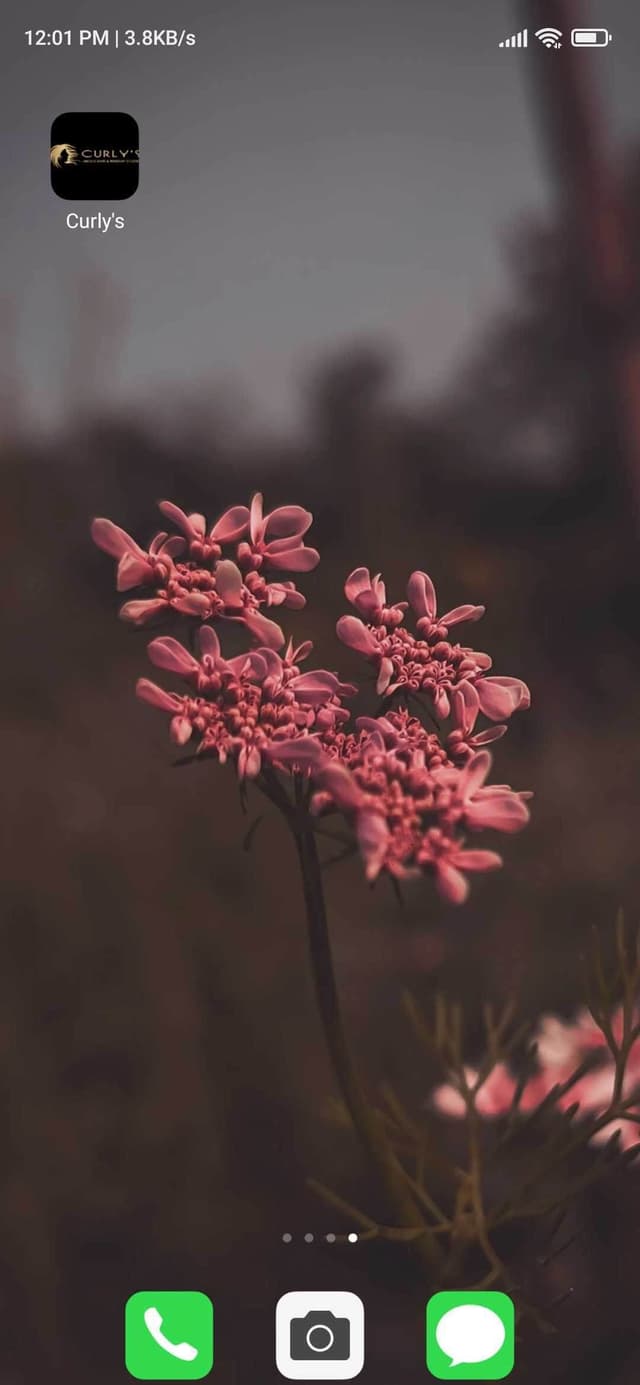
Now you can see website icon
iOS Guide
Add Curly's App on iOS
Follow these simple steps to add Curly's to your iPhone or iPad home screen
1
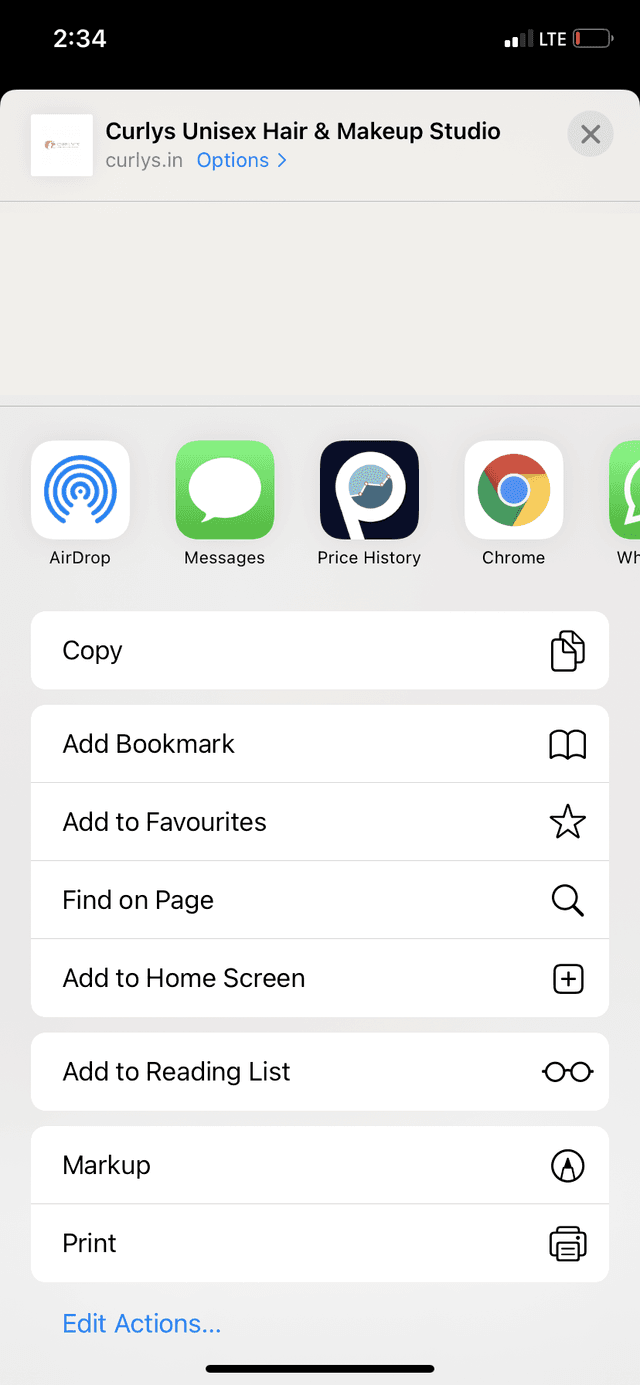
Enter website address into the address field and then tap the share icon

2
When tap share icon scroll down & tap Add to Home screen
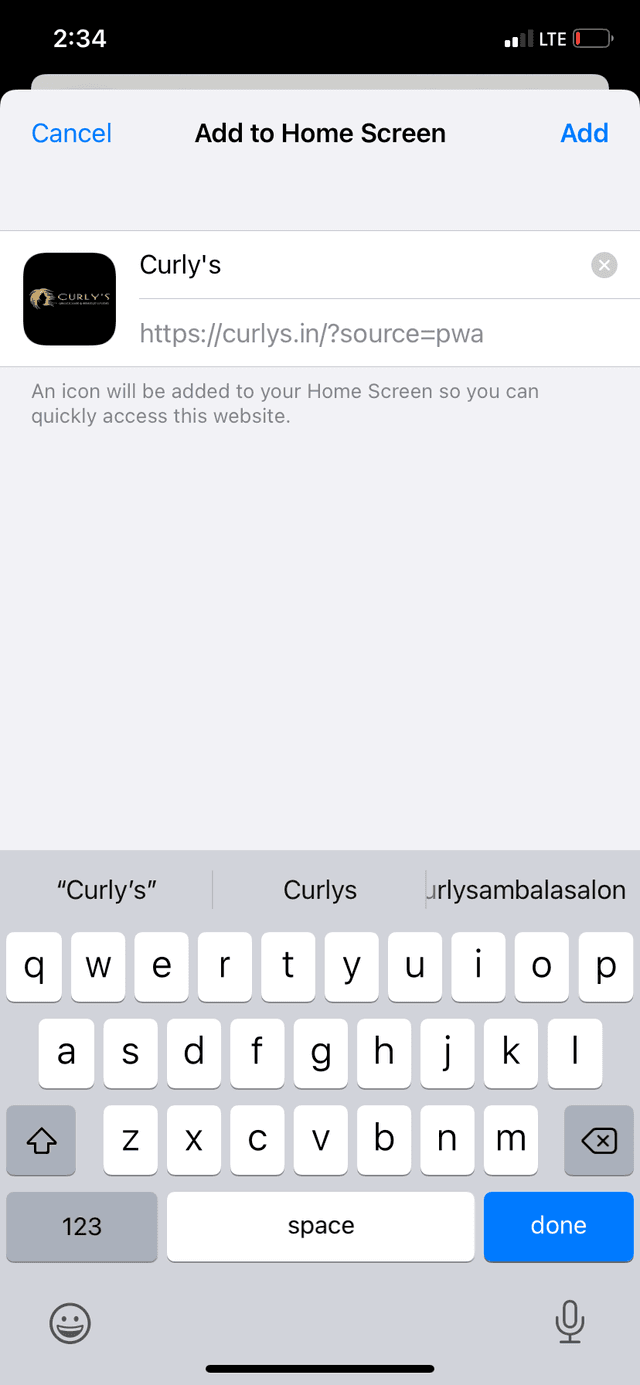
3
Now tap on Add button
4
Now you can see website icon